More Features, Fewer Third-Party Solutions
Starting in July 2026, companies with Microsoft 365 E3 and E5 will have access to additional features from the Microsoft Intune Suite. Selected add-ons previously available as separate solutions will be integrated directly into existing licenses, expanding capabilities for modern endpoint management, security, and IT operations.
For many companies, this presents an opportunity to review existing third-party solutions, streamline processes, and take advantage of additional features without the need for separate licensing.
What does that mean, specifically?
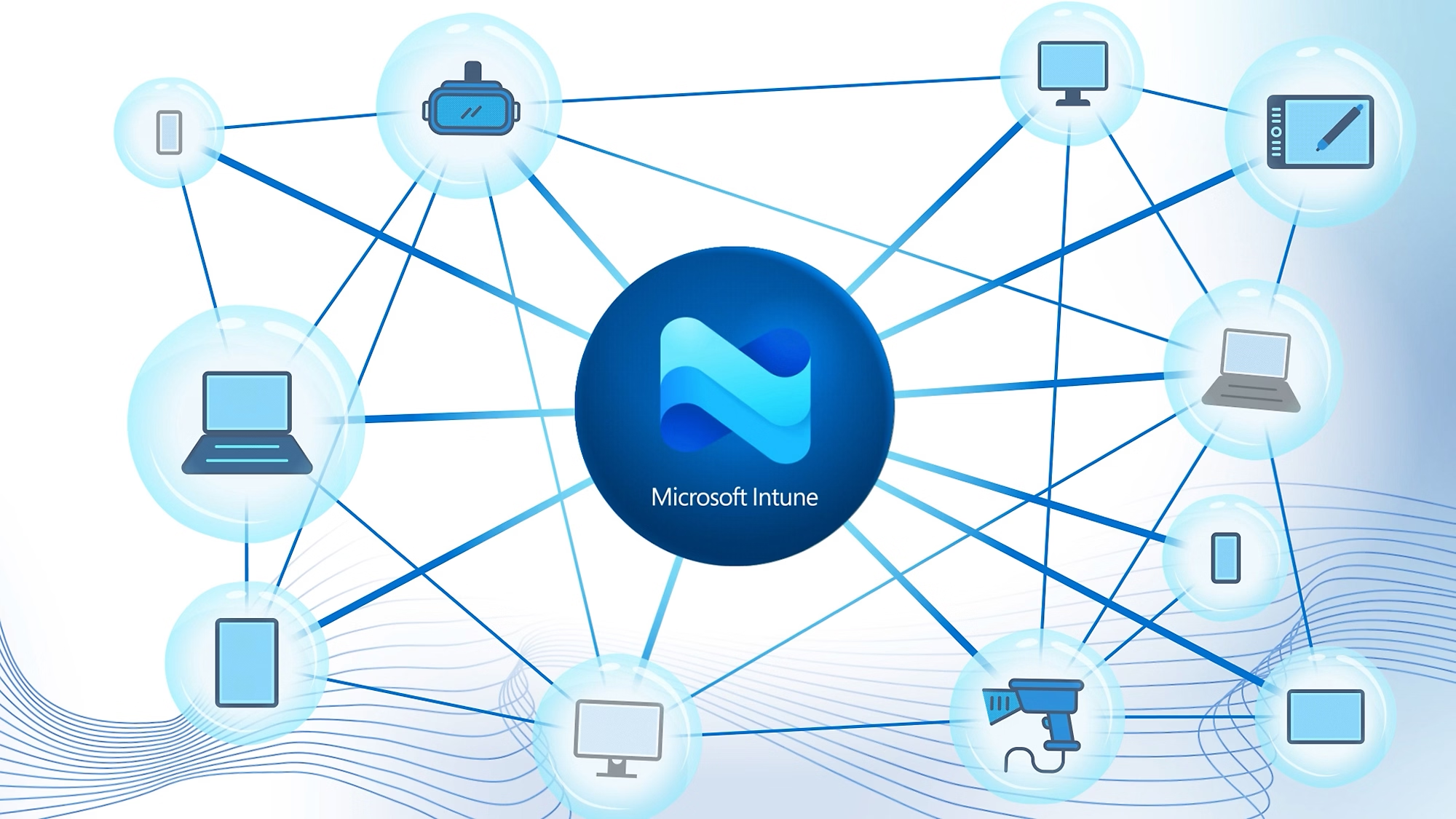
The Intune Suite transforms Microsoft Intune from a traditional endpoint management solution into a comprehensive platform for security, automation, and the operation of modern workplace environments. Newly available features include Remote Help, Advanced Analytics, and Cloud PKI, among others.
Remote Help enables secure remote access to end devices directly within the Microsoft ecosystem. The solution supports Windows, macOS, and Android, among others, and integrates with existing security mechanisms such as Entra ID, Conditional Access, and multi-factor authentication.
For many companies, this raises the question of whether existing remote support solutions are still necessary or can be replaced by an integrated solution. Here at baseVISION, we also see potential to consolidate existing remote support tools and reduce operating costs.
Advanced Analytics provides detailed insights into the status, performance, and user experience of end devices. IT teams gain a better foundation for detecting problems early, identifying trends, and continuously improving the user experience.
Typical use cases include identifying performance issues, analyzing recurring support cases, and generating reports on the entire device fleet.
With Microsoft Cloud PKI, organizations can deploy and manage certificates for Intune-managed devices directly from the cloud. This eliminates the need for an on-premises PKI infrastructure with local servers and the associated operational overhead.
The solution is particularly well-suited for certificate-based authentication scenarios such as Wi-Fi, VPN, or device identity as part of a zero-trust strategy.
With Endpoint Privilege Management (EPM), users can work as standard users without needing permanent local administrator privileges. Instead, selected applications or tasks can be granted access in a targeted and controlled manner. This balances security and productivity and supports zero-trust strategies.
With Enterprise App Management, Microsoft and third-party applications can be deployed and managed directly from a Microsoft-maintained app catalog. Updates can be deployed automatically, significantly reducing the effort required to package, maintain, and update applications.
Please note the following licensing requirements for the Intune add-ons.
| Add-On | M365 E3 | M365 E5 |
|---|---|---|
| Remote Help | ✅ | ✅ |
| Endpoint Privilege Management | ❌ | ✅ |
| Advanced Analytics | ✅ | ✅ |
| Enterprise App Management | ❌ | ✅ |
| Microsoft Cloud PKI | ❌ | ✅ |
| Microsoft Tunnel for Mobile Application Management | ✅ | ✅ |
| Specialized devices management (Android AOSP) | ✅ | ✅ |
| Firmware-over-the-air update (for Zebra devices) | ✅ | ✅ |
The Greatest Added Value: Consolidation
The real benefit lies not in a single feature, but in the ability to critically evaluate existing solutions.
For example, companies can assess:
- Whether remote support solutions can be replaced by Remote Help
- Whether existing PKI infrastructures are still necessary for certain scenarios
- Whether additional analytics solutions are still needed
- How operating costs and complexity can be reduced
We have identified precisely these topics as key priorities for our customers. These include replacing remote support tools, modernizing certificate management, and optimizing security and endpoint management processes.